 Skypane
Animated wallpapers that stay out of your way.
Skypane plays moving wallpapers behind your desktop icons with one small engine, and pauses them whenever a window or game covers the screen. 31 original wallpapers come built in, with hundreds of free videos a click away.
New in 1.2Living photos, imports for almost any video or picture, hiding desktop icons, and a Troubleshooting page.
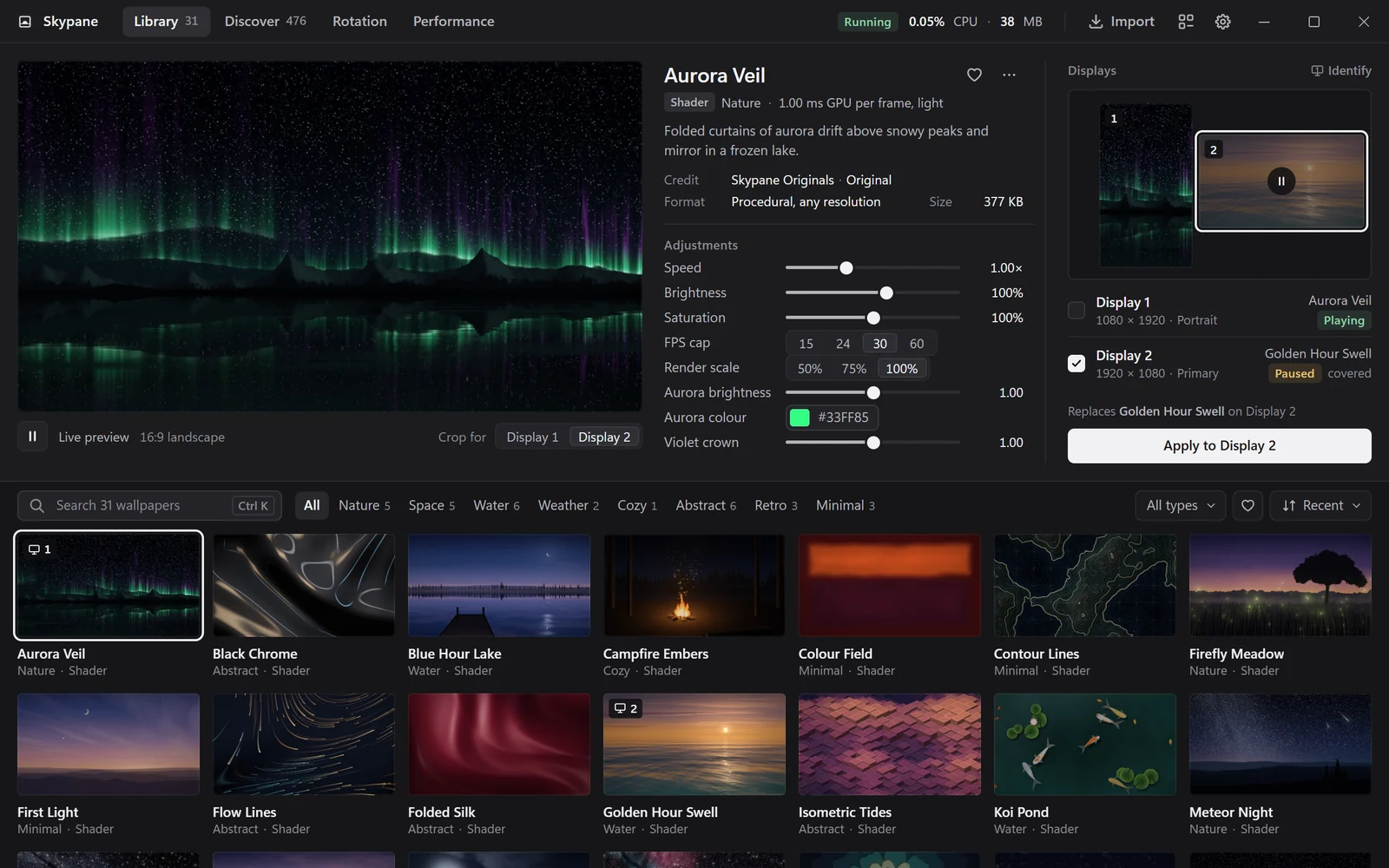
The library window from this download: each display has its own wallpaper, and the second one is paused because a window covers it.
31 wallpapers built in. Hundreds more a click away.
Every built-in wallpaper is an original shader, drawn live by your graphics card at any resolution, so it stays sharp on 4K and portrait screens. Discover adds 476 free videos from Mixkit, Coverr, Wikimedia Commons and ESO, each downloaded from its source when you pick it.
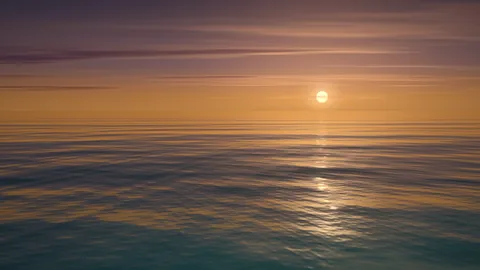 Golden Hour SwellWater
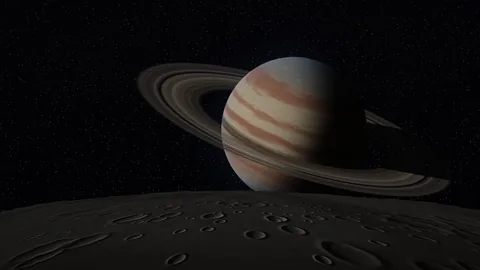 Ringed GiantSpace
 Koi PondWater
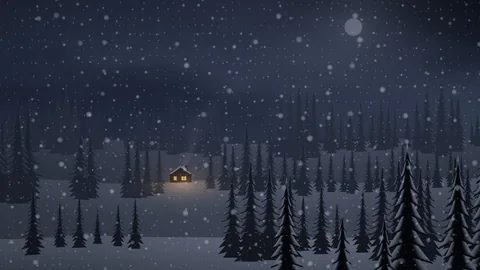 Snowbound CabinWeather
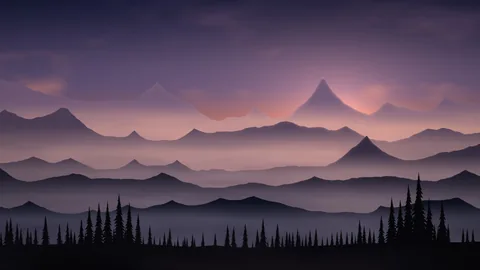 Misty Ridges at DawnNature
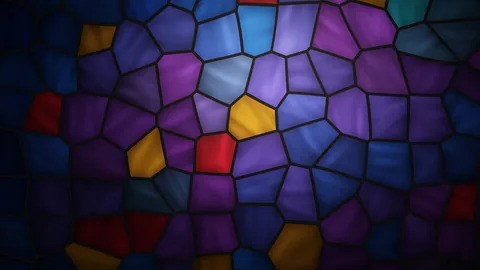 Stained GlassAbstract
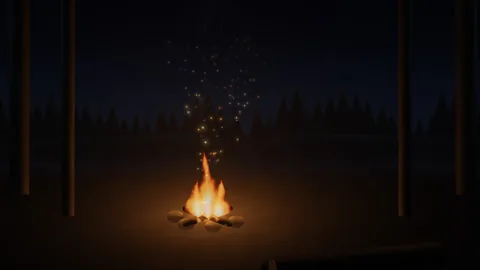 Campfire EmbersCozy
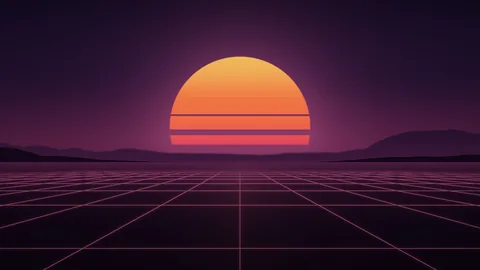 Sunset GridRetro
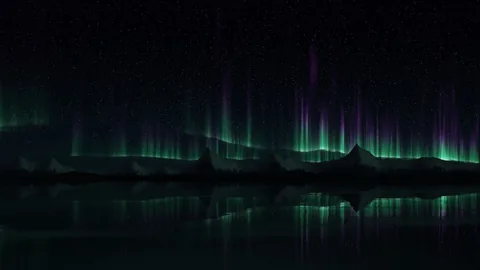 Aurora VeilNature
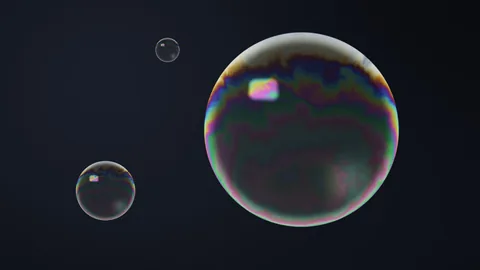 Soap FilmAbstract
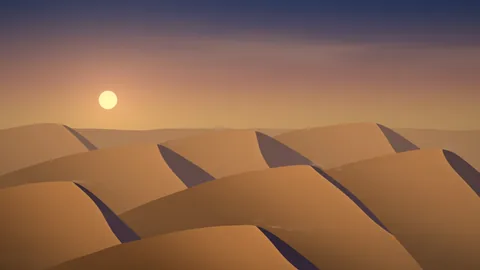 Windswept DunesNature
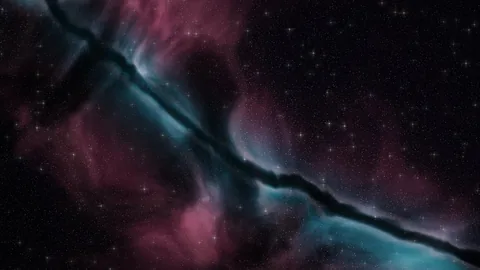 Nebula DriftSpace
Also built in: Black Chrome, Blue Hour Lake, Colour Field, Contour Lines, Firefly Meadow, First Light, Flow Lines, Folded Silk, Isometric Tides, Meteor Night, Milky Way Glide, Moonlit Sea, Paper Mandala, Rain on the Window, Seventies Ribbon, Spiral Galaxy, Sunlit Shallows, Sunset Sea and Totality.
Built to be forgotten about.
Pick a wallpaper once. Skypane keeps it moving while you can see it and stops the moment you can't.
Pauses when you can't see it
A maximised window pauses the display it covers, and a fullscreen game pauses every display. It also pauses on battery, with battery saver on, on the lock screen, in remote sessions or while apps you choose are open.
Light on your PC
One small engine process draws every display, with no browser running behind your desktop. Shaders share one graphics context, capped at 30 fps by default. Videos use your graphics card's hardware decoder at about 0.2% of the processor, and the engine usually shows 20 to 40 MB of memory.
A wallpaper for each display
Give every monitor its own wallpaper, portrait screens included, and crop each one to fit its display.
Discover
Browse 476 free videos by category. One click downloads a video from its source and makes it loop smoothly.
Imports almost anything
Videos in most formats, GIFs, pictures including HEIC and AVIF, animated PNG, WebP and AVIF, shader code and the video wallpapers you already have in Wallpaper Engine. Drop files, paste a picture or link with Ctrl+V, or import from a direct link. Videos and animations are converted for hardware playback when needed, up to 2560 x 1440.
Living photos
Turn one of your pictures into a moving wallpaper with rain on glass, snowfall, drifting light or a slow zoom, each with its own controls.
Tune each one
Speed for every wallpaper. Shaders also get brightness, saturation, a frame rate cap from 15 to 60, render scale and their own colours and details, and videos can fill, fit or stretch.
Rotation
Change the wallpaper on a timer for each display, picking from your favourites, your own imports, a category or the whole library.
Desktop shortcuts
Hide the desktop icons with one click or Ctrl+Alt+H, skip to the next wallpaper with Ctrl+Alt+Right and pause with Ctrl+Alt+P. Skypane can also add itself to the desktop's right-click menu.
Display checks and troubleshooting
Settings shows any display running below its best refresh rate and can switch it, with a 15 second undo. If a wallpaper doesn't show, the Troubleshooting page can re-attach it, switch between the classic and Windows 11 24H2 desktop modes, or close other wallpaper apps.
Requirements and install
- System
- Windows 10 or Windows 11, 64-bit
- Graphics
- OpenGL 3.3 for shader wallpapers, which almost any graphics card from the last ten years supports
- Video
- Windows Media Foundation, built into Windows. N editions need the Media Feature Pack.
- Library window
- Microsoft Edge WebView2, already part of Windows 11 and up-to-date Windows 10
- Disk space
- About 300 MB, plus any videos you add
- Install
- For your account only, with no admin prompt. Adds Start menu and desktop shortcuts and can start with Windows.
- Uninstall
- Settings, Apps, Installed apps (Apps and features on Windows 10), Skypane. Your normal wallpaper comes back.
SkypaneSetup-1.2.0.exe
1a121ebbc18941f9bb56e1ee7c7d23f9522be44b66754ecae009eda251019114To check your copy, run this in PowerShell in your Downloads folder and compare the hash:
Get-FileHash .\SkypaneSetup-1.2.0.exeThe installer is new and not code-signed yet, so two warnings are normal. If your browser says the file isn't commonly downloaded, choose Keep (in Edge: the ... menu on the download, Keep, then Show more and Keep anyway). If Windows SmartScreen says it protected your PC, choose More info, then Run anyway.
DownloadQuestions
Is Skypane really free?
Yes. It is free to download and use, with no sign-up, no ads and nothing to unlock.
Will it slow down my games?
A fullscreen game pauses every display by default, so the wallpaper stops drawing while you play. A maximised window pauses the display it covers.
Why does Windows warn me about the installer?
Browsers and Windows SmartScreen warn about new apps that are not code-signed yet. If the browser says the file isn't commonly downloaded, choose Keep. If SmartScreen says it protected your PC, choose More info, then Run anyway. You can compare the file's SHA-256 with the one above before you run it.
Where do the Discover videos come from?
From Mixkit, Coverr, Wikimedia Commons and ESO. Each video downloads from its source when you pick it and keeps that source's licence. Settings, Credits lists the author, licence and source page of every wallpaper you add.
Can I use it with Wallpaper Engine installed?
Both draw on the same desktop layer, so only one can show at a time. Skypane notices Wallpaper Engine, Lively and similar apps and offers to close them, and it can import the video wallpapers you already have in Wallpaper Engine.
How do I remove it?
Open Settings, Apps, Installed apps (Apps and features on Windows 10) and uninstall Skypane, or run Uninstall.exe in its folder. Your normal Windows wallpaper comes back.